PostUp

A mobile app that helps freelancers and remote workers find public places to work that actually meet their needs. Built as a one-week design sprint, I moved from problem framing to a tested, high-fidelity prototype in five days.
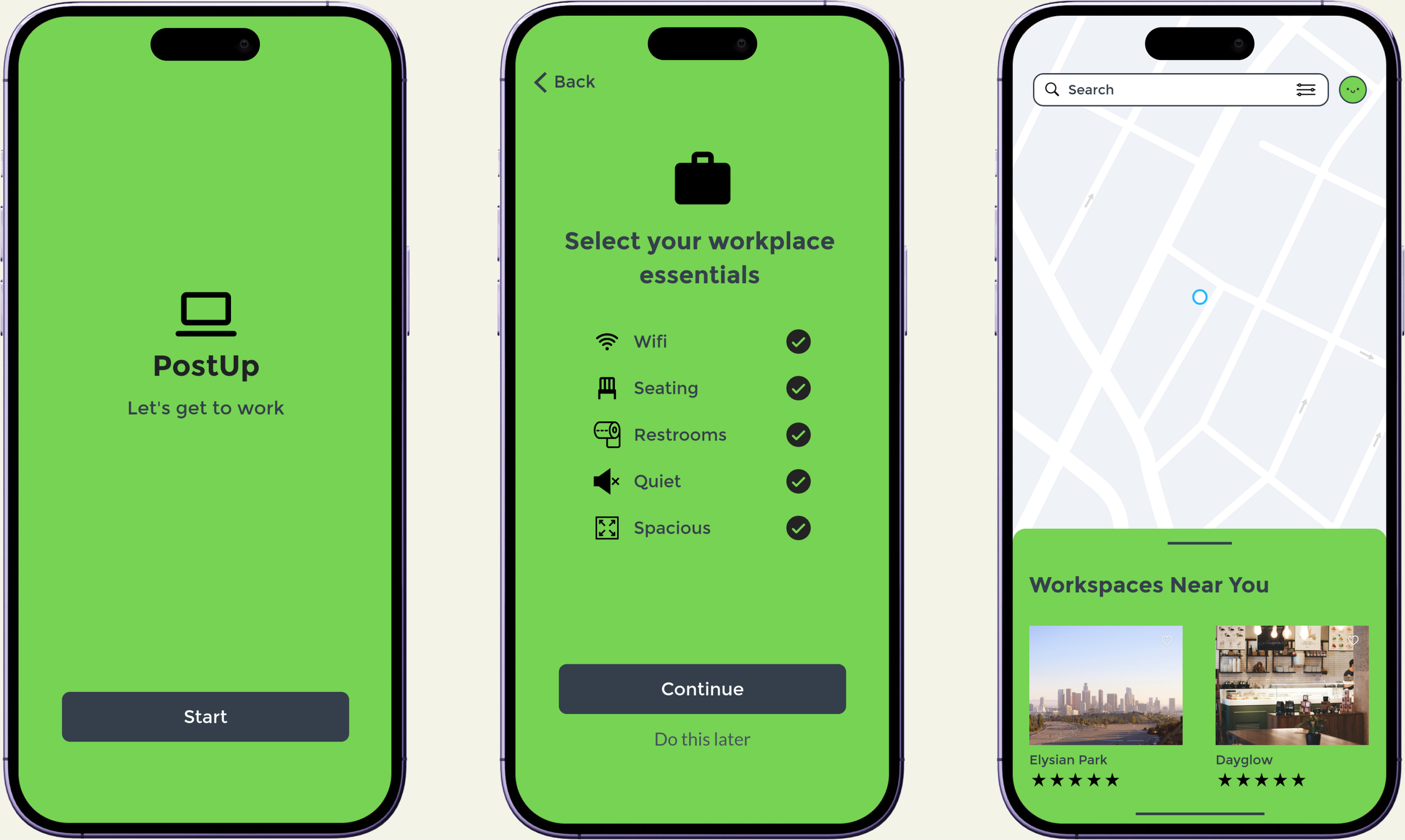

Three PostUp app screens: the start screen, the essentials checklist, and the workspace map.

PostUp illustration: a laptop whose power cord loops out and ends in a map pin.

Tools

Marvel, Pen & Paper

Timeline

1 week, 2024

Role

UX Designer, Research, Usability Testing

Type

Google Design Sprint


The Problem

Remote and freelance work means constantly hunting for a place to get things done, and the tools people already use weren’t built for that search. Google Maps and Yelp surface places, but not the details that matter for working: is it quiet, is there wifi, is there room to spread out or take a call. PostUp started with a simple question: what would it look like to search for a workspace the way you’d search for anything else you care about getting right?

Research + Discovery

I ran PostUp as a modified Google Ventures design sprint. Day 1 mapped how remote workers find a place to work today. Day 2 put the tools they already rely on side by side to see where they fall short.
5 Usability Tests: moderated sessions on Day 5.
3 Competitor Teardown: Google Maps, Yelp, and Peerspace.
Crazy 8s: 8 directions in 8 minutes.
5-Day Sprint: Google Ventures methodology, modified.
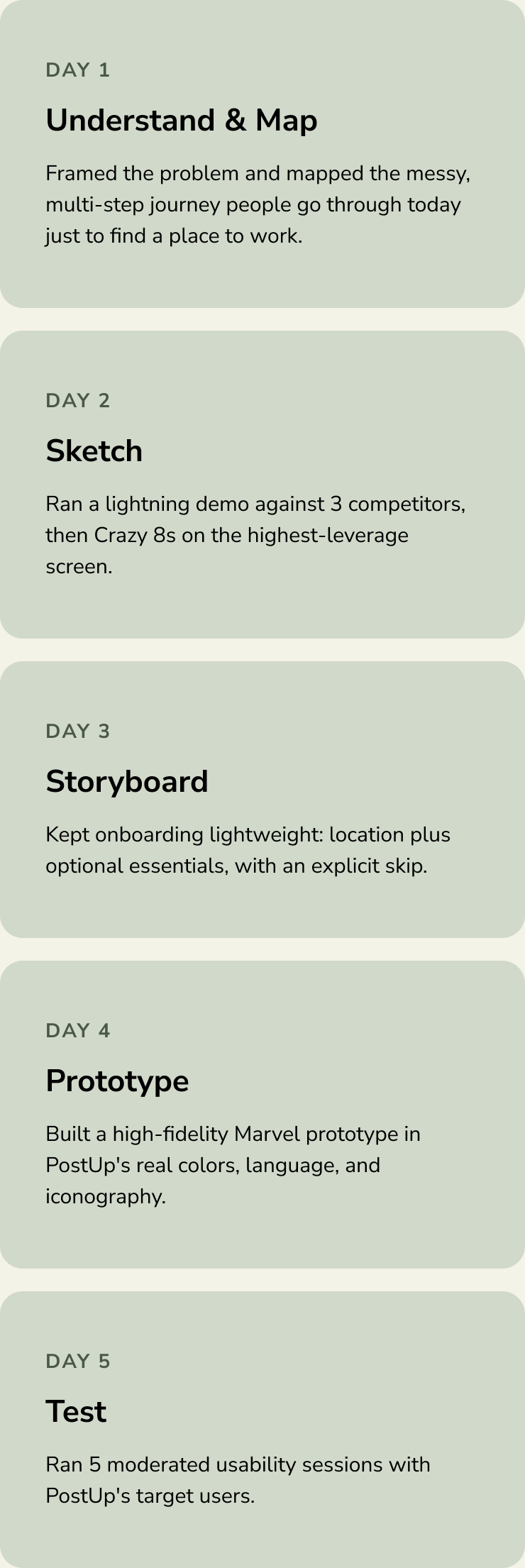
Five-day sprint timeline: understand and map, sketch, storyboard, prototype in Marvel, and test with 5 users.
5-Day Sprint: Google Ventures methodology, modified.
Five-day sprint timeline: understand and map, sketch, storyboard, prototype in Marvel, and test with 5 users.
5 Usability Tests: one moderated session per participant, Day 5.

Where Current Tools Fall Short
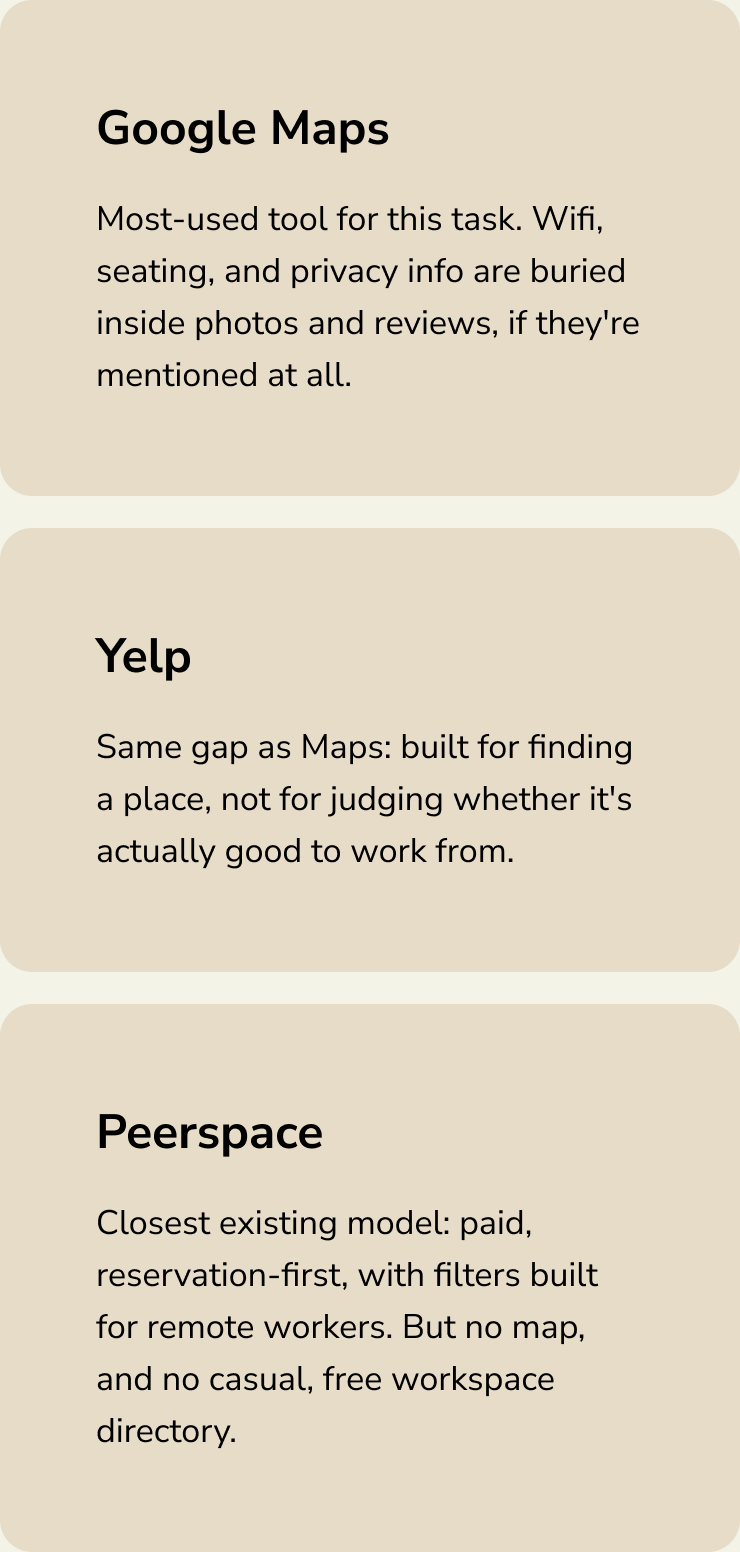
Competitor teardown: Google Maps and Yelp bury wifi, seating, and privacy in photos and reviews. Peerspace is paid and reservation-first, with no map.
Insight: The default tools weren't built for this decision. Wifi, seating, noise, and privacy hide in Google Maps and Yelp reviews, turning a one-minute decision into research.
3 Competitor Teardown: lightning demo against Maps, Yelp, and Peerspace.
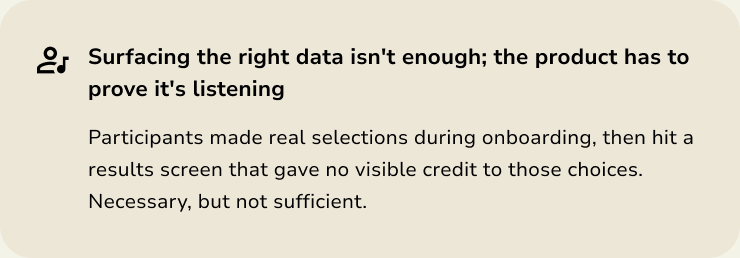
Insight: The product has to prove it's listening. Participants made selections in onboarding, then saw results that gave those choices no visible credit.
Insight: The gap wasn't finding a place, it was judging the fit. A lightning demo showed the opportunity was helping people quickly tell if a space fits their needs.

Key Findings

Insight: The default tools weren't built for this decision. Wifi, seating, noise, and privacy are buried in Google Maps and Yelp, turning a one-minute decision into a research project.
Insight: The gap wasn't finding a place, it was judging whether it was right. A lightning demo showed the opportunity was giving people enough information to tell whether a space fit their needs.
Crazy 8s: 8 directions in 8 minutes.
Insight: Surfacing the right data isn't enough; the product has to prove it's listening. Participants made selections in onboarding, then saw results that gave no visible credit to those choices.

Design Process

With the gap defined, I ran a Crazy 8s exercise on the highest-leverage screen: reviewing a place’s basic amenities. Eight rapid directions came out of it, from a filterable amenities list to a lightweight “what’s the vibe” tag.
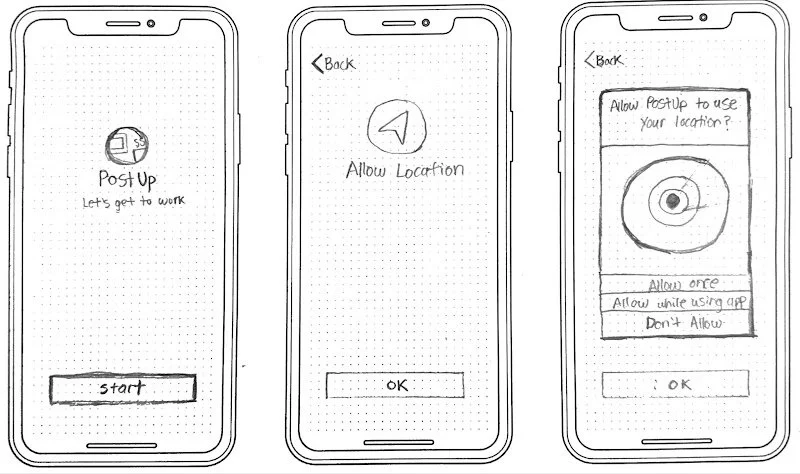
Hand-drawn storyboard of PostUp onboarding: start screen, allow location, and the location permission prompt.

From Storyboard to Prototype

I kept onboarding deliberately light: location access, an optional essentials checklist, and an explicit “do this later” out. Then I built a high-fidelity Marvel prototype in PostUp’s real colors and iconography, moving fast so I wouldn’t get attached to a direction before testing it.
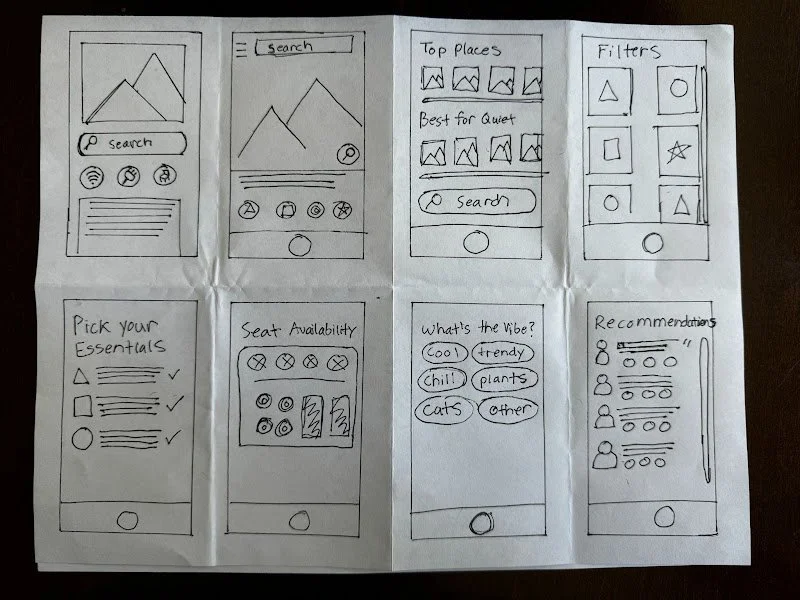
Crazy 8s sketch sheet with eight rough directions, including pick your essentials, seat availability, a vibe tag picker, and recommendations.

Three Decisions That Shaped the Experience
Decision 1: Amenity icons that answer the real question upfront. Wifi, seating, restrooms, noise, and space show as icons before a user clicks in.
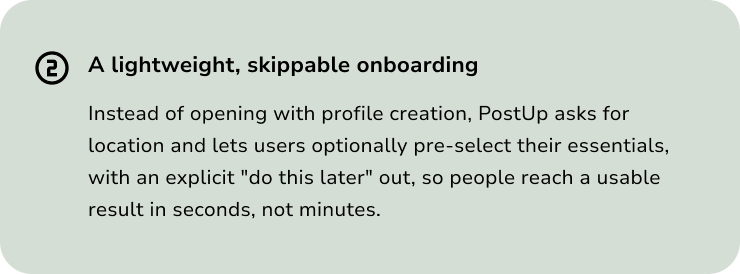
Decision 2: A lightweight, skippable onboarding. Location plus optional essentials, with an option to do this later, so people reach results in seconds.
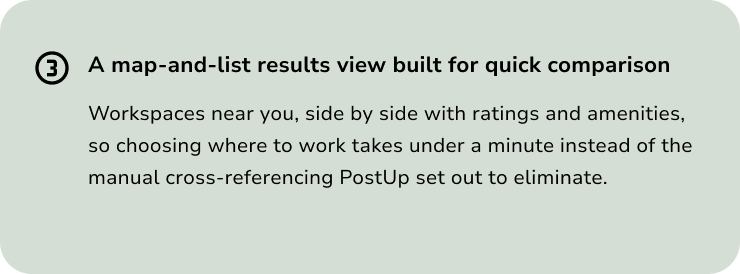
Decision 3: A map-and-list results view built for quick comparison of nearby workspaces, with ratings and amenities side by side.
Decision 1: Amenity icons that answer the real question upfront. Wifi, seating, restrooms, noise, and space show as icons before a user clicks in.
Decision 2: A lightweight, skippable onboarding. Location plus optional essentials with a do this later option, so people reach results in seconds.

Usability Testing

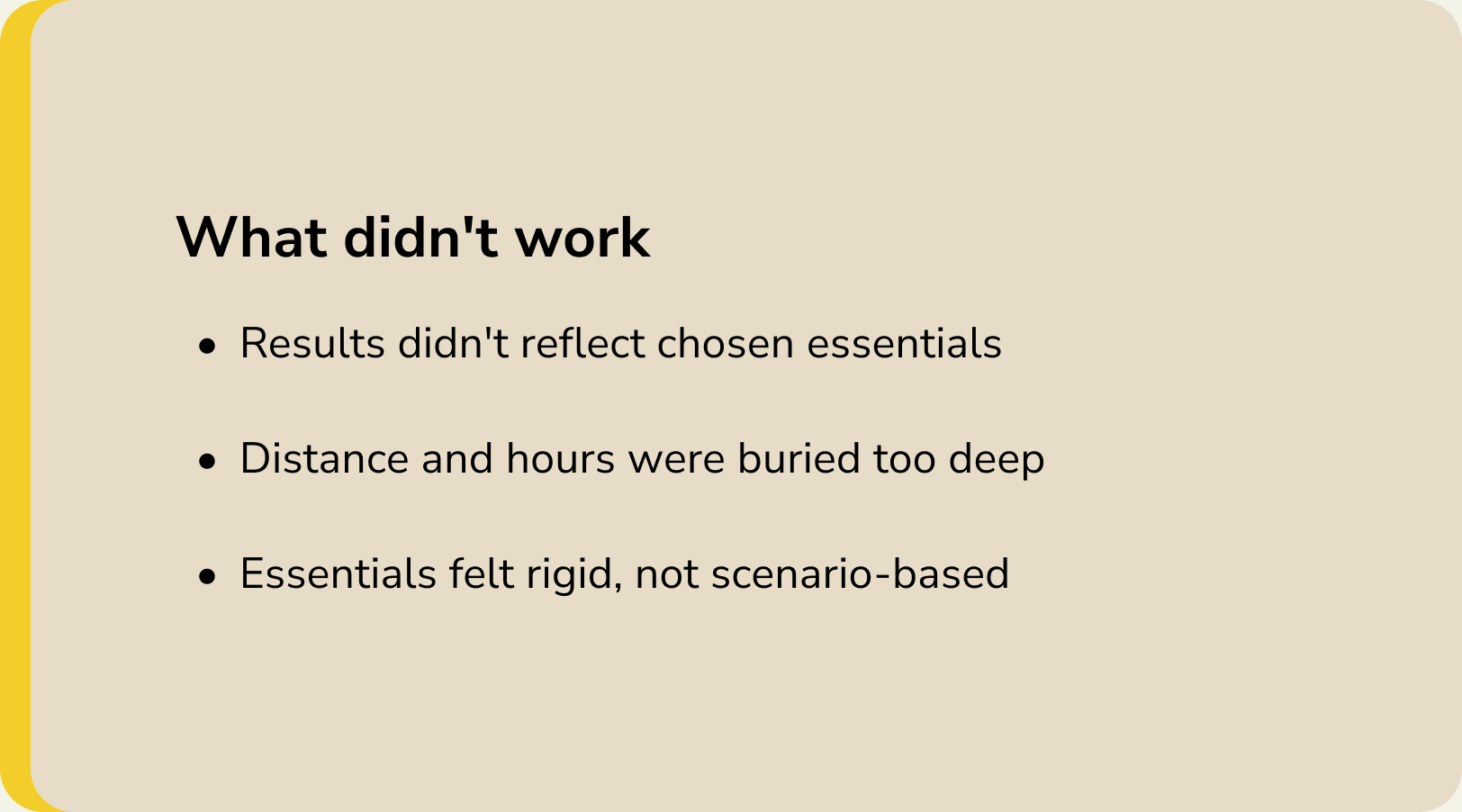
What didn't work: results didn't reflect chosen essentials; distance and hours were buried too deep; essentials felt rigid, not scenario-based.

On Day 5, I ran five moderated sessions with people who matched PostUp’s target users: two designers, a product manager, a creative producer, and a software professional, all regulars at cafes, libraries, or coworking spaces. Each session centered on one task: find a public place to work.
What worked: onboarding felt intuitive to everyone; amenity icons beat Google Maps; clean visuals made the vibe easy to judge.

What Participants Said

Amenity Icons

“What I enjoyed the most is having these icons that tell me what they have... this is the most useful or beneficial instead of using Google Maps.”
— Day 5, Participant 4

Clarity

“I don’t know if they have some of the things I asked for or all of the things I asked for, it’s just not clear to me.”
— Day 5, Participant 3

Results

“I was surprised the search results were not more informative because I made selections so I definitely expected that to factor into the results.”
— Day 5, Participant 3

The Design

PostUp’s flow is short on purpose: allow location, confirm your city, optionally pick your essentials, then land on a map-and-list view of workspaces near you. Each location page leads with amenities, then rating, reviews, hours, and one-tap directions.

Onboarding Flow
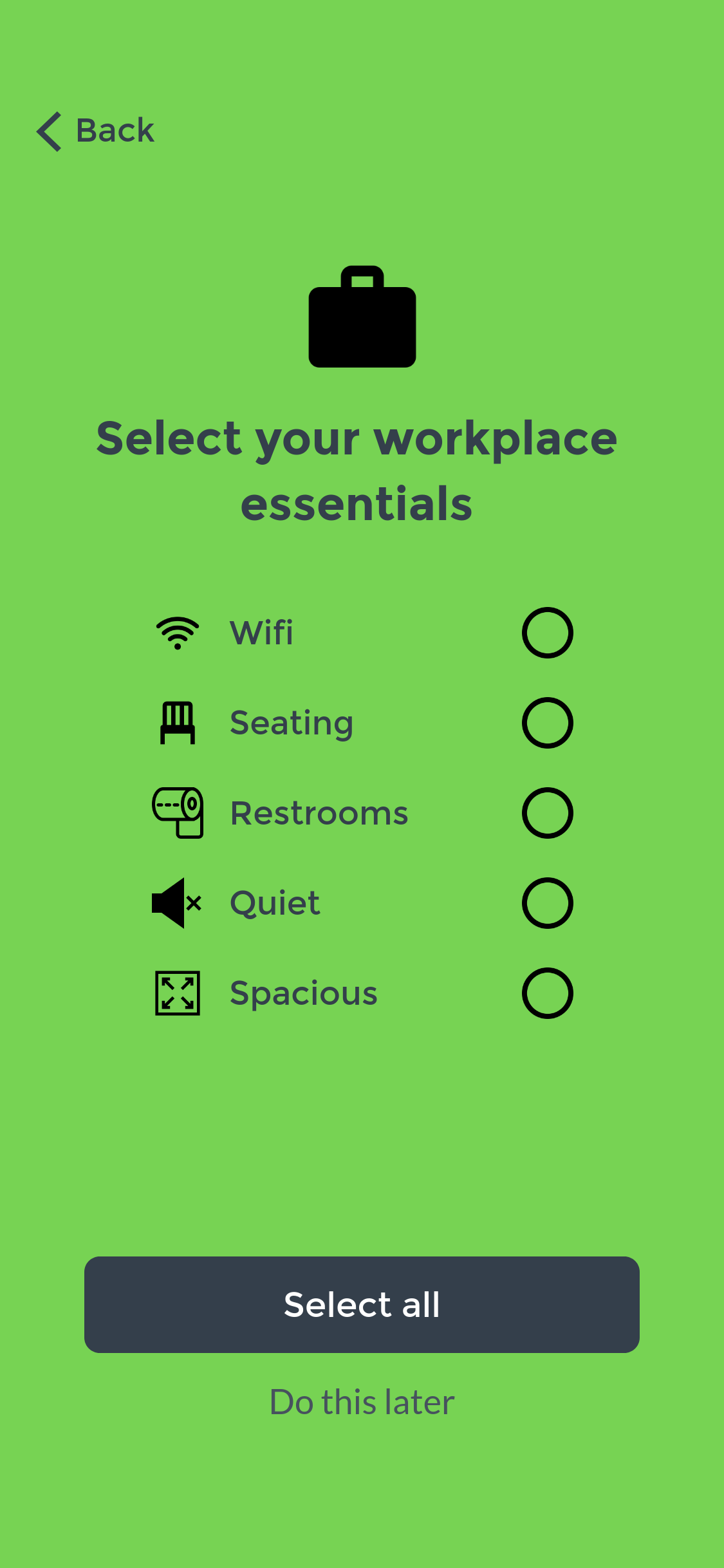
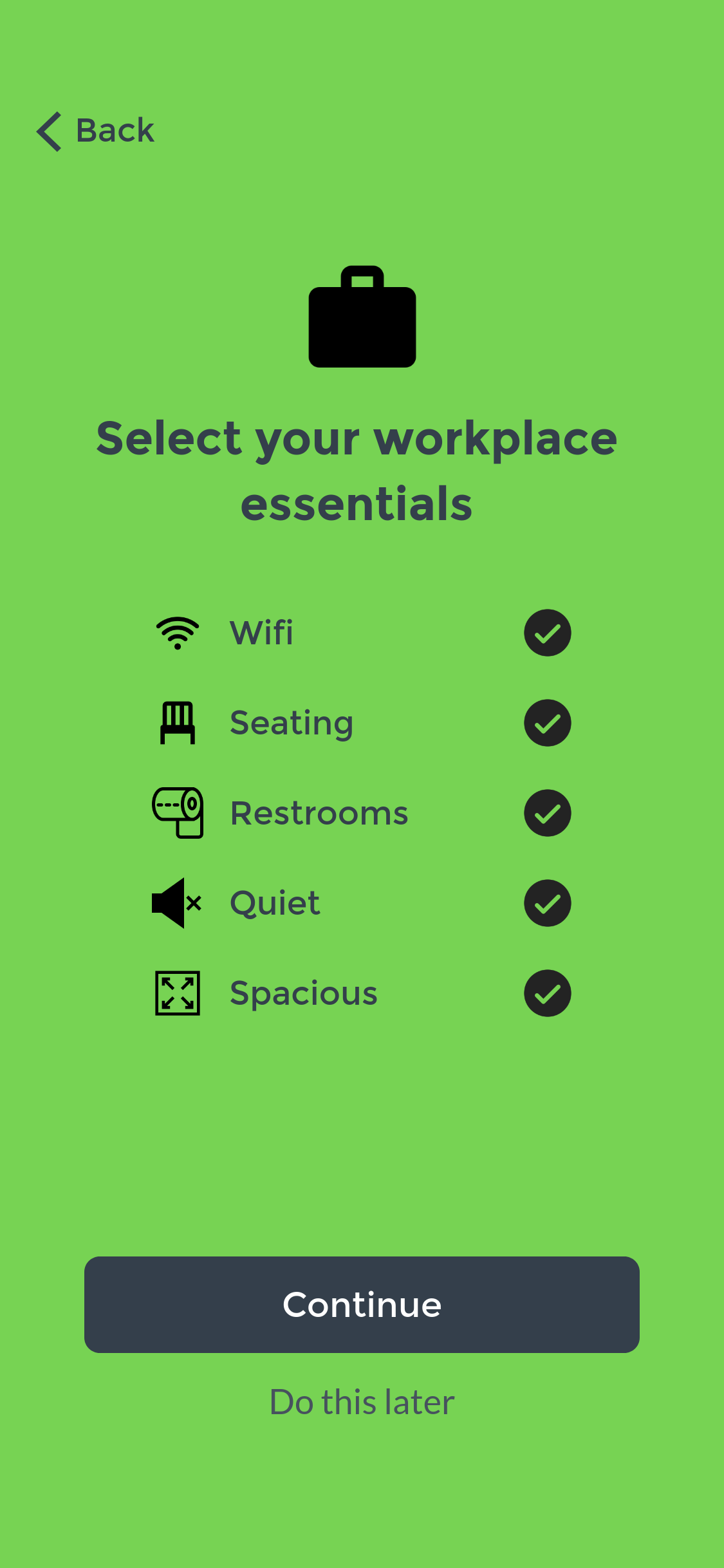
Essentials checklist for choosing workplace needs, with a do this later option.
PostUp start screen with a Start button.

Start by tapping Start to open PostUp.
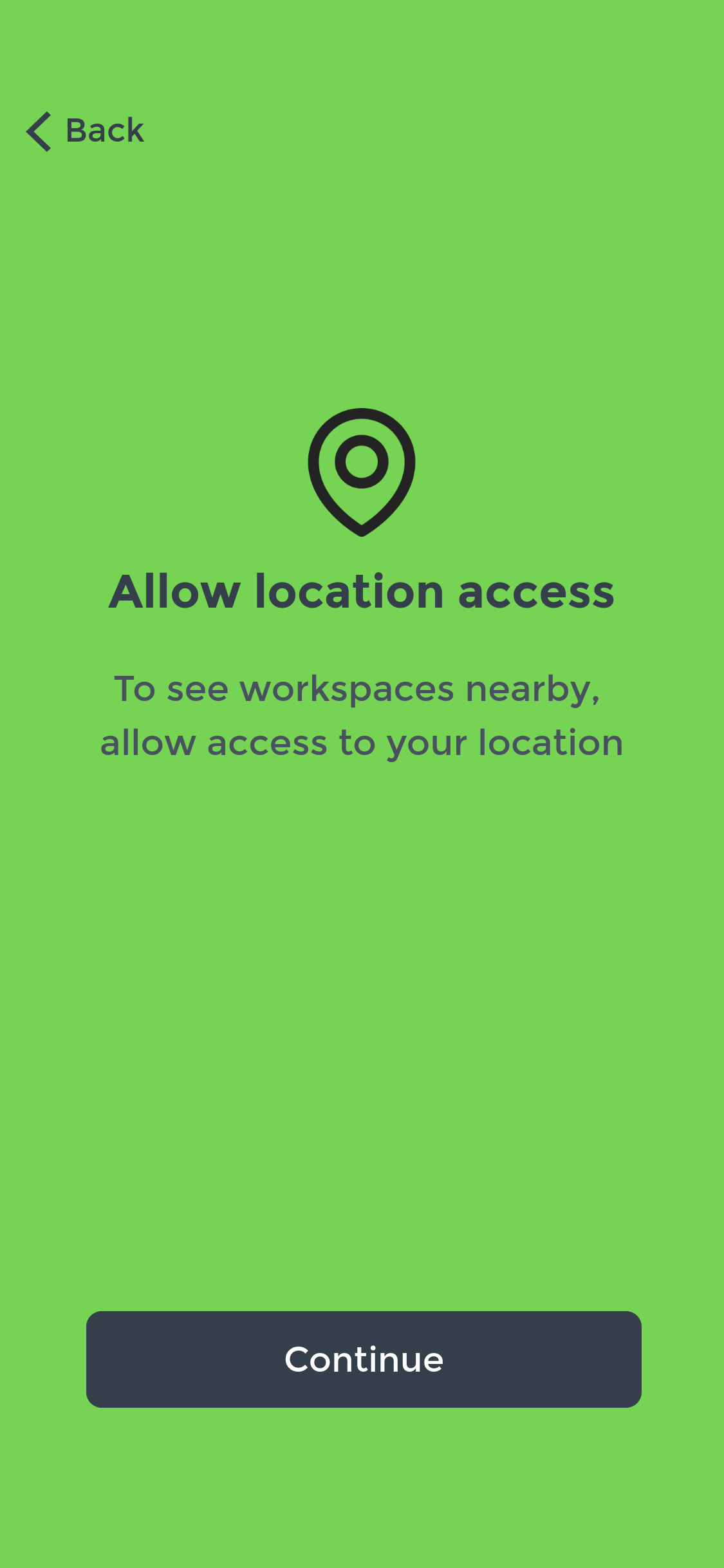
Screen explaining why PostUp needs your location, with a Continue button.
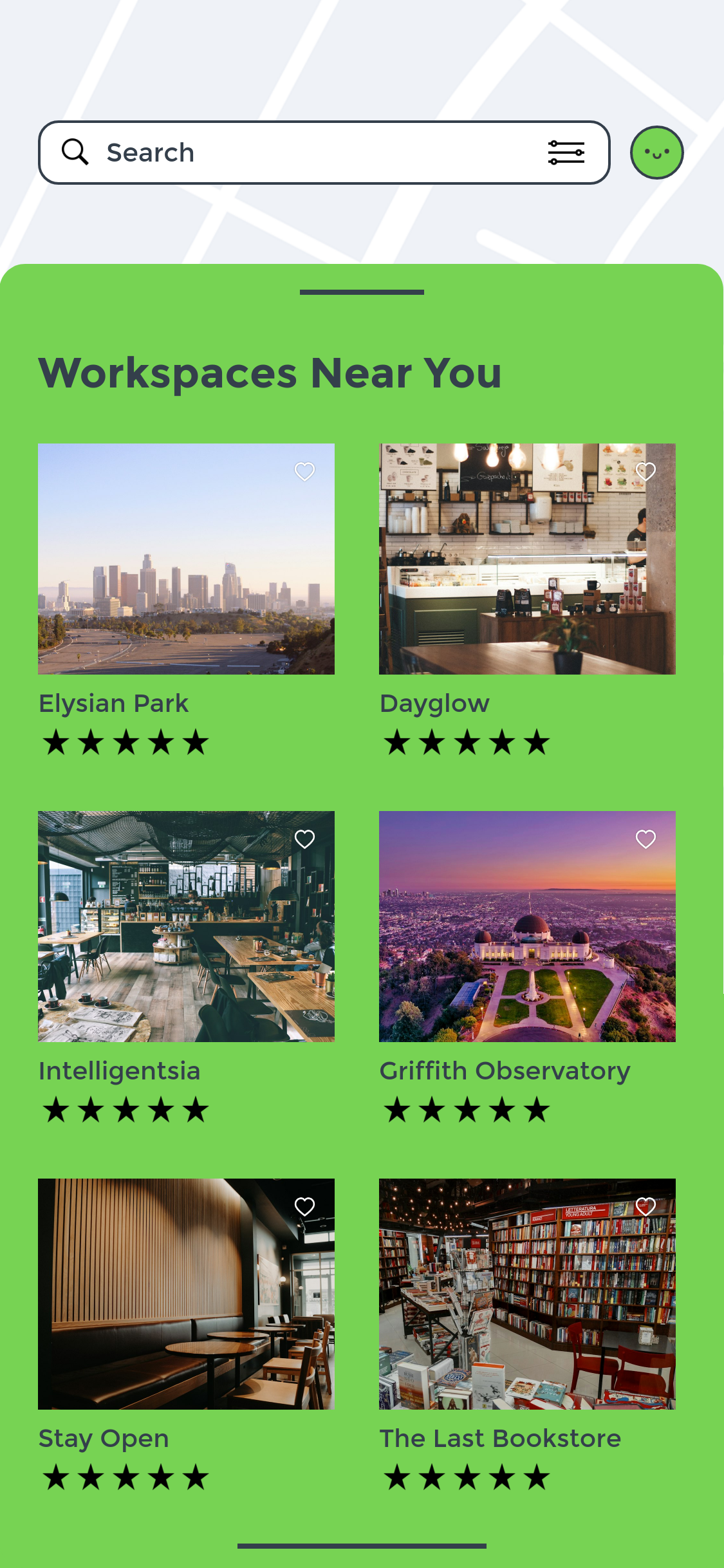
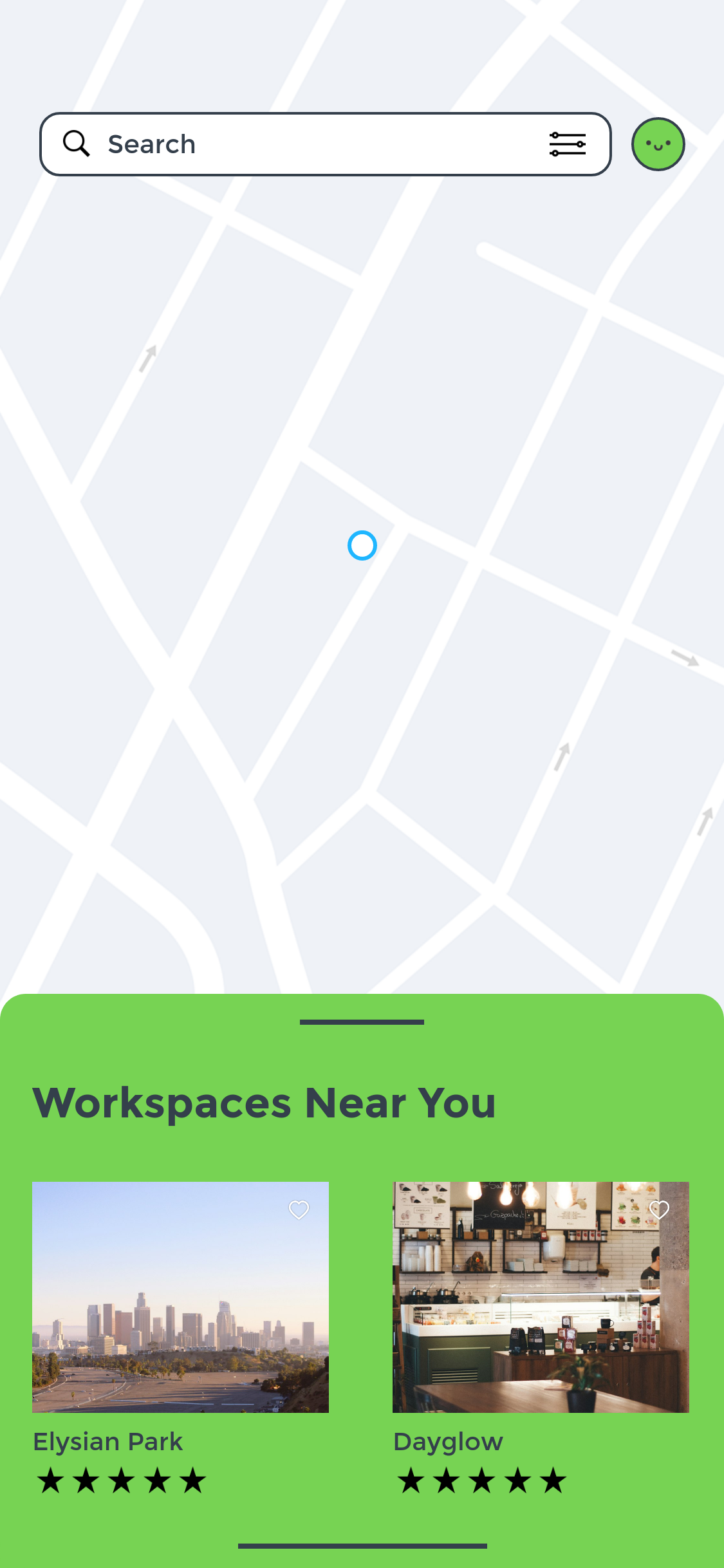
List of nearby workspaces with photos, ratings, and favorites for comparison.

Pick your workplace essentials, or tap Do this later.
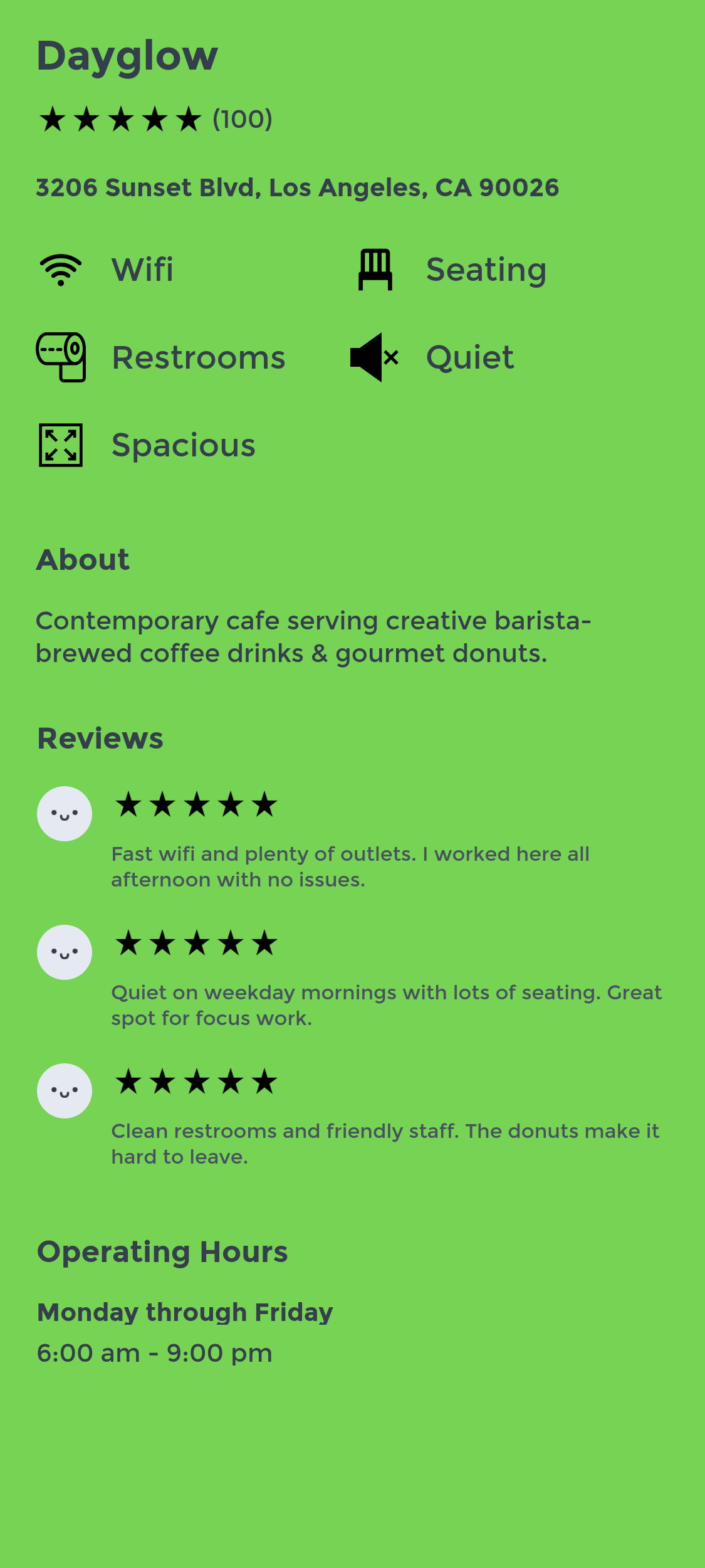
Workspace detail page showing amenities, reviews, and hours.
Essentials checklist with several needs selected.
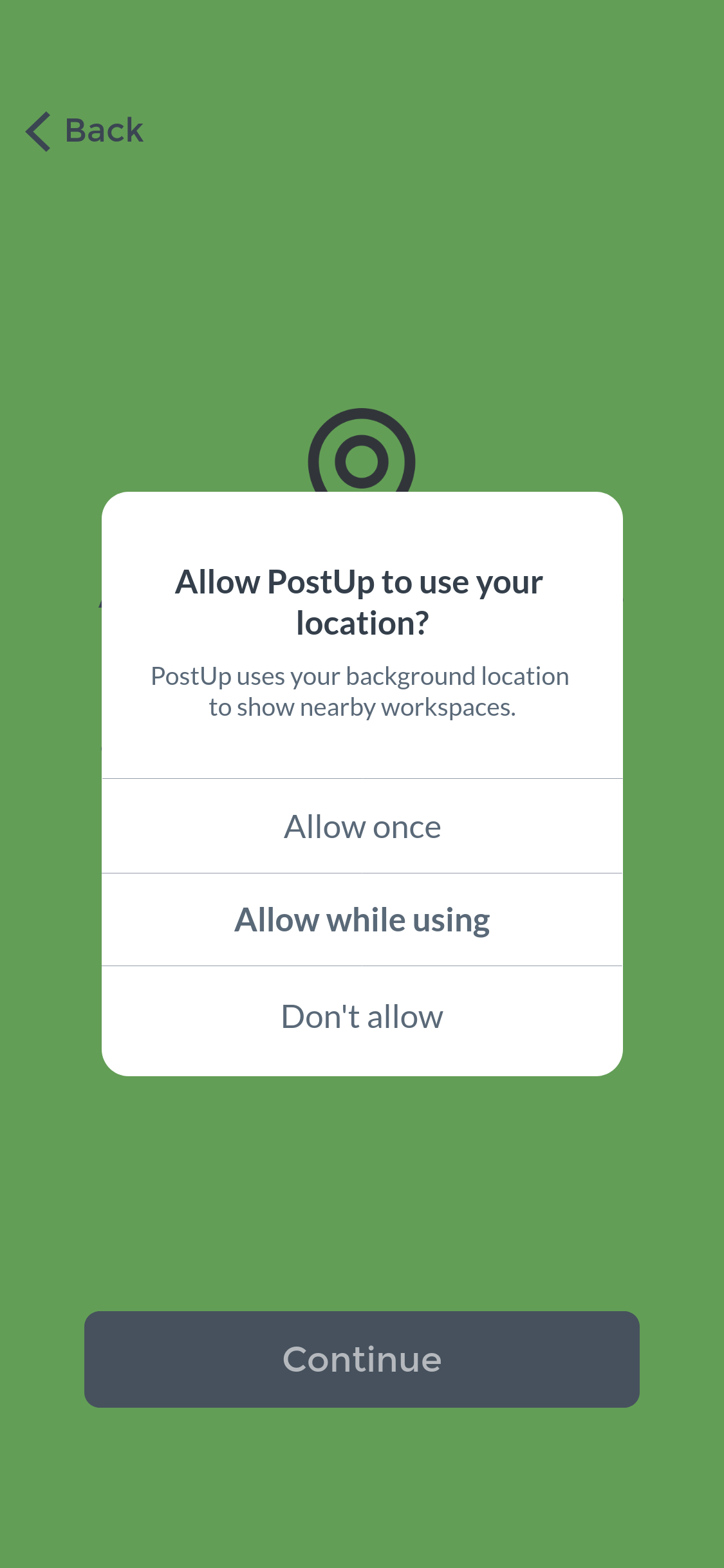
System prompt asking to allow PostUp to use your location.
Screen confirming the user's city before continuing.
Map of nearby workspaces, with photo cards for Elysian Park and Dayglow.

Swipe up to compare options side by side.

Read why PostUp needs your location, then tap Continue.

Confirm your city, then tap Continue.

Choose Allow while using to find workspaces nearby.

Browse workspaces near you on the map.

Review your selected essentials, then tap Continue.

Tap a workspace to see amenities, reviews, and hours.

Reflection + Next Steps

Going in, I assumed the hardest problem was information visibility. Testing confirmed the amenity icons worked, but it also surfaced something I hadn’t designed for: once people tell an app what they need, they expect the app to use it. Surfacing the right data was necessary, but not sufficient.

What I would do differently
Give the results screen the same care as onboarding. Testing showed the results screen is where trust is won or lost.
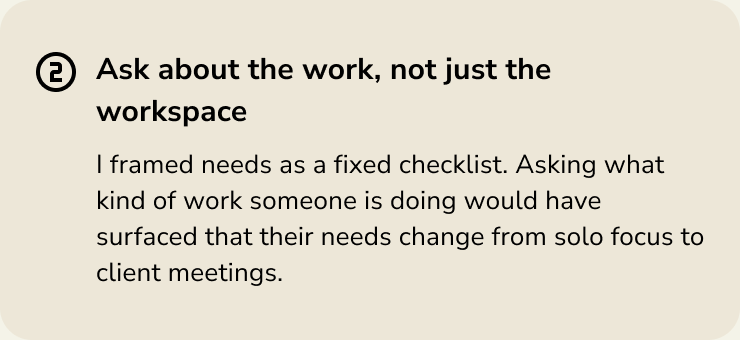
Ask about the work, not just the workspace. Asking what kind of work someone is doing would show how their needs change from solo focus to client meetings.

What I would explore next

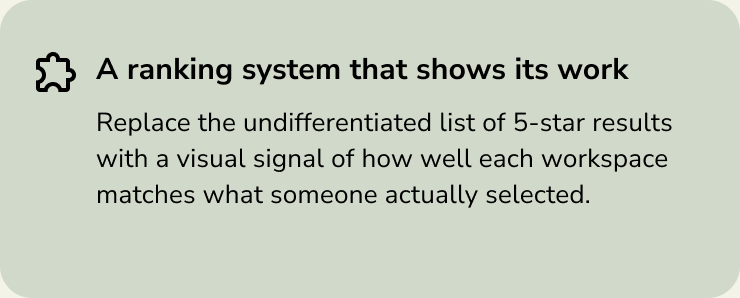
Next step: a ranking system that shows its work, signaling how well each workspace matches what someone selected.
Next step: context-aware filtering, such as open now, within 10 minutes, and good for a meeting.
Next step: a more flexible definition of essentials that flexes by scenario, like solo focus versus a client meeting.
Next step: fewer steps to action, with an inline map or one-tap navigation from the results view.